
How to Create a Modal Popup Window
A lot of people don’t like popups, and I agree, when they are excessive. however, when you need a last ditch effort to get someone’s attention, a modal popup is a great way to do it. maybe you want to make sure they didn’t miss an offer they might be interested in. You might also want to make sure that they subscribed to your newsletter. It really just depends on your audience and what you’re trying to achieve. It can be a real pain to get some modal popups to work. Sometimes scripts just don’t work, or they don’t work like they should. This can be frustrating and waste your time. However, after watching the video below, you’ll be able to implement a model popup window on your site, exactly how you want it, in minutes.
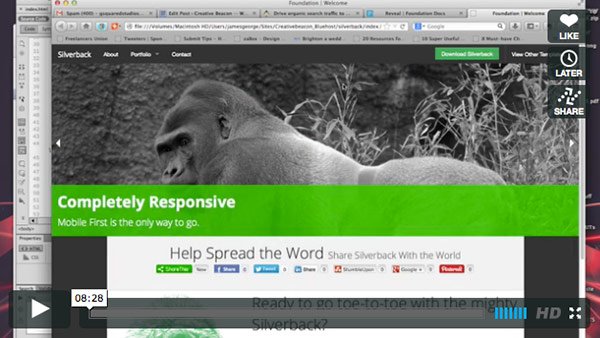
The video above shows you that all it takes is just wrapping your content in the right div. Then all you have to do is call that div on a button class, so that it reveals the hidden content when you click the button. That makes things really easy and almost fool-proof. The size that you define in the class is what determines how large the modal popup actually is. The smallest is 30% and the largest is 95%.
Did you successfully create a modal popup?
After following my instructions, were you able to create a working model popup? If it isn’t working, sometimes all it takes is a second look to help diagnose the trouble. Did you run into any problems? The whole concept is fairly straightforward, and that’s why I like using Foundation 5 so much. You plugin in the values, and it just works. If you experienced any trouble, feel free to leave your thoughts, concerns and questions in the comments section below and I will answer them as soon as I can.